
Getting the most out of transaction notes
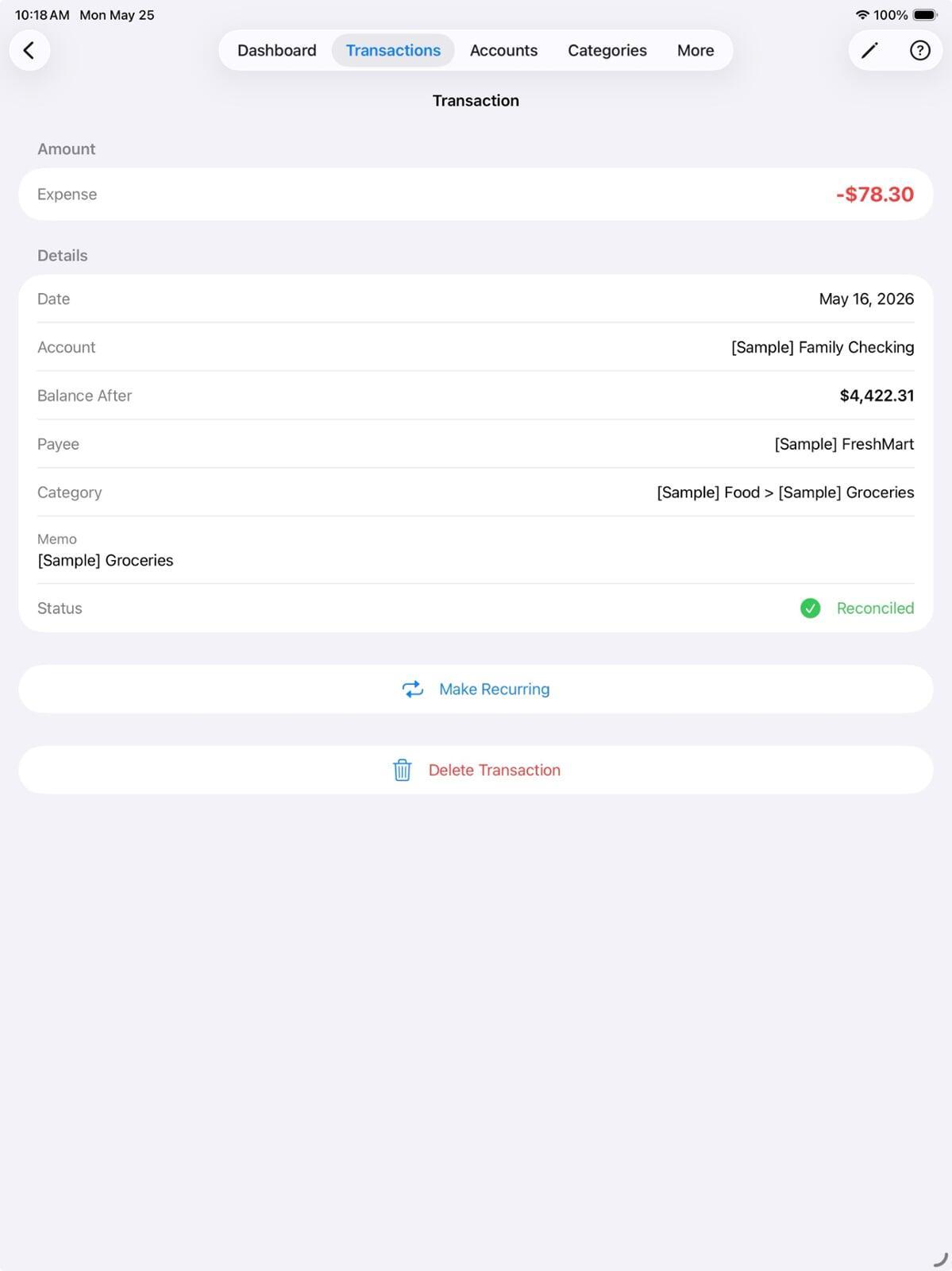
The notes field on a transaction is the most underused feature in any budgeting app. Most people leave it blank. The ones who use it properly — and stick to a consistent system — find that it transforms how useful their transaction history becomes six months later.
Why a blank note is a missed opportunity
Without a note, all you know about a transaction is the payee, the amount, and the date. That's often enough in the moment. It's rarely enough three months later when you're wondering what that £85 at a restaurant was for, whether that flight was personal or work, or which part of the home renovation that hardware store charge covered.
A single sentence at the time of logging costs five seconds. Reconstructing it later can be impossible.
The system that sticks
The reason most note habits fail is that they try to be too comprehensive. You start writing detailed notes, it takes too long, you stop after a week. The goal is a system minimal enough to be sustainable.
We recommend three simple rules:
Rule 1: Only note what the payee doesn't already tell you
If you paid at "Costa Coffee" the payee already says it's coffee. You don't need "coffee." But if it was a working coffee where you discussed a project, or you were treating a friend, that context is worth capturing: "client catch-up" or "birthday treat – Sam."
Rule 2: Business vs. personal for anything ambiguous
If you're self-employed or have any work expenses, a single letter does the job: "B" for business, "P" for personal, or "M" for mixed. Takes one second, saves hours at tax time.
Rule 3: Flag anything that needs follow-up
Sometimes a transaction needs an action. A refund that was promised, an expense claim to submit, a charge to query. Add "?" to the note. Then search for "?" periodically to see what still needs attention. It's a lightweight task system built into your transaction history.
Making it a habit
Log transactions immediately rather than in batches. The moment you pay is when context is freshest and notes take least effort. If you wait until end-of-week, you'll either leave notes blank or write vague placeholders.
Set a recurring task in Pocketfuzz: every Sunday, spend five minutes reviewing the week's transactions. Anything missing a note that could use one — add it while memory is still fairly fresh.
Searching your notes
Once you have a consistent note system, Pocketfuzz's search becomes much more powerful. Search "?" to find pending follow-ups. Search a project name to see all related spending. Search "B" to pull business expenses for a period. The notes become a second layer of organisation on top of categories — one that you control completely.