
Using payees to spot spending patterns
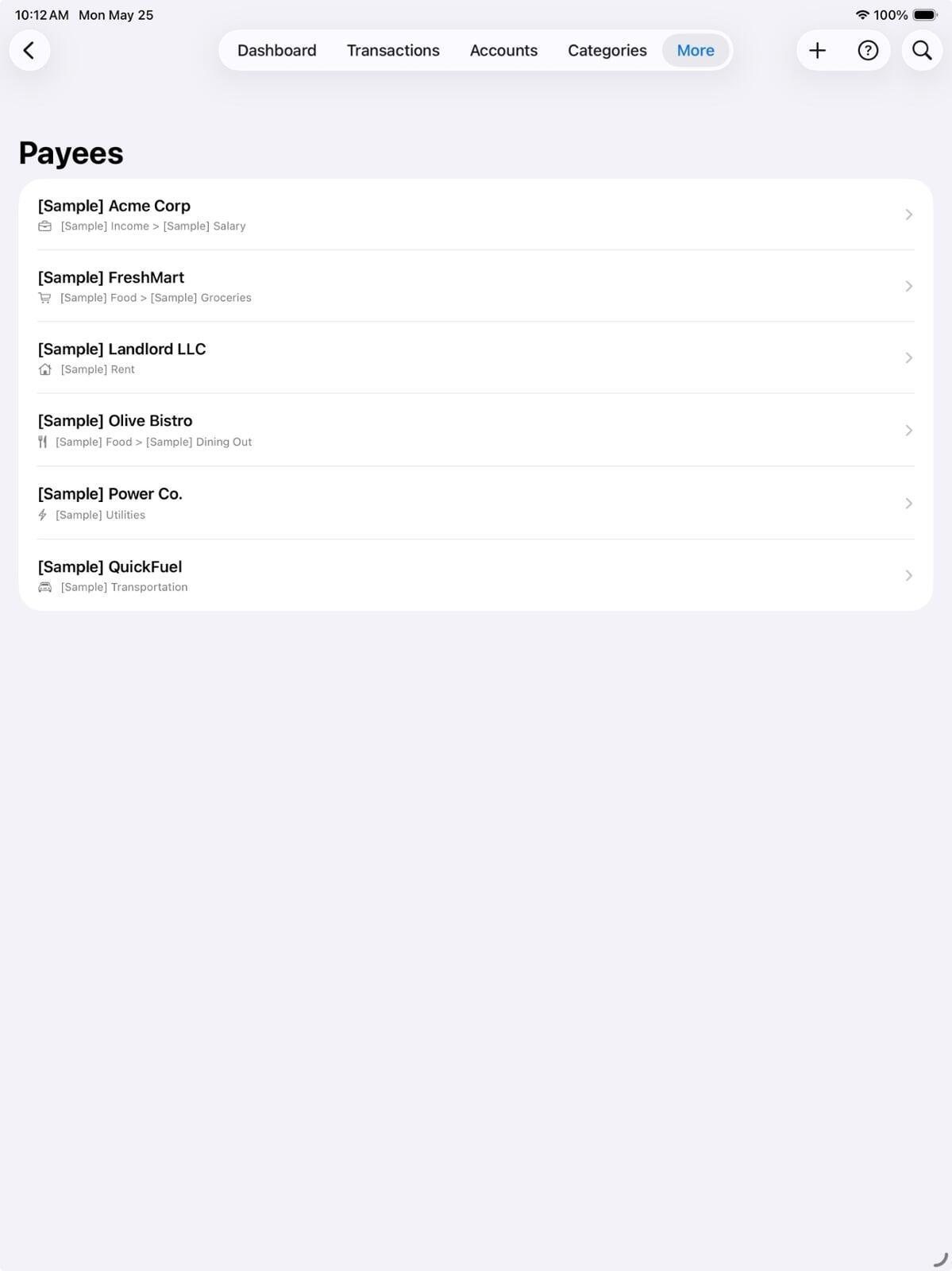
Categories tell you what you spend money on. Payees tell you who you spend it with. These seem similar, but they reveal different things — and combining both gives you a surprisingly complete picture of your financial habits.
What categories miss
Suppose your "Eating out" category is over budget every month. Categories tell you that, but not why. Are you going out too frequently? Is there a particular restaurant you visit more than you realise? Is it lunches or dinners that add up?
Looking at the payee breakdown inside that category answers all of these. You might find that one specific café accounts for a third of your monthly eating-out spend — and that you'd visit there less often if you knew the number.
The patterns payees reveal
Here are three patterns we commonly see when users start reviewing their payee history:
The convenience trap
A nearby supermarket, corner shop, or petrol station that you visit far more frequently than you thought. Each visit is small. The monthly total is not. Because each transaction is modest, the pattern never triggered alarm — until you see all the charges from the same payee lined up in a column.
The loyalty that costs you
Using the same service provider for years without checking whether you're still on a competitive rate. Internet, phone, insurance — providers routinely offer better deals to new customers. Your payee history will show exactly how long you've been a customer and how much you've paid. That context makes the conversation with a competitor much more motivating.
The accidental habit
A payee you didn't consciously choose as a regular spend, but who appears consistently because a habit formed around them. The specific gym you drive past on the way home. The particular lunch spot your work colleagues favour. These aren't bad spends necessarily — but seeing them named and totalled lets you make conscious choices rather than drifting.
How to do a payee review in Pocketfuzz
- Open the Payees section from the main menu.
- Tap on any payee to see their full transaction history.
- Look at the three-month total. Does it surprise you?
- Compare the frequency to your expectation. Weekly? Daily? Did you know you were going that often?
- For any payee where the total surprises you, set a monthly limit as a task reminder — a simple note like "Payee X: aim for under £X/month."
Payees as a relationship ledger
Beyond spending analysis, payees are also useful as a record of financial relationships. If you lend money to a friend, log them as a payee. If a family member repays you irregularly, track it under their name. The payee history becomes a lightweight ledger of who owes what, without needing a dedicated debt-tracking app.
Most people use categories and ignore payees. The ones who use both rarely go back.