
5 recurring transactions you forgot you're paying for
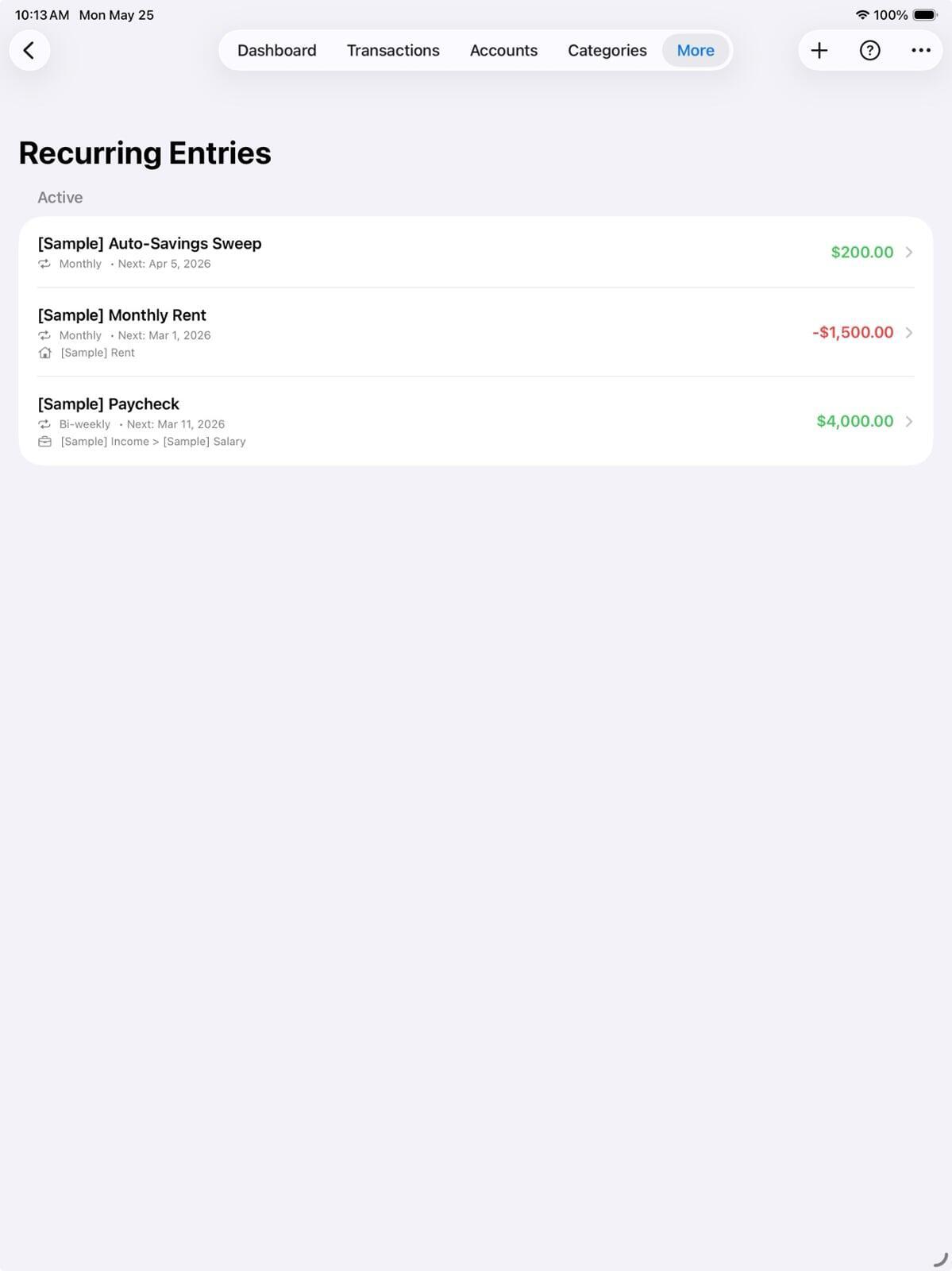
Open your bank statement and look at the last three months. There's almost certainly a charge in there that you don't immediately recognise. Subscriptions are designed to be forgettable — small amounts, irregular billing dates, vague merchant names. Here are the five categories that catch people out most often, and how to use Pocketfuzz to deal with them.
1. Free trials that auto-converted
You signed up for a free month, didn't cancel, and now pay every month without thinking about it. Streaming services, news sites, cloud storage, premium app tiers — they all do this. The trick is that they bill on the anniversary of your sign-up, not the first of the month, so the charge never lines up with anything memorable.
What to do: In Pocketfuzz, open the Recurring view and sort by start date. Any subscription that started more than 90 days ago that you haven't recently used is a candidate for cancellation.
2. Annual subscriptions
Because they only appear once a year, annual charges feel like a surprise every time. Antivirus software, domain renewals, professional memberships, cloud backups — they often hit in the same month and wreck your budget.
What to do: Log these in Pocketfuzz with a yearly recurrence. The upcoming-bills section on your dashboard will warn you 7 days before they hit, giving you time to either budget for them or cancel.
3. Shared family subscriptions you're now the sole payer for
You set up a family plan, split the cost with housemates or a partner, then people moved on. The subscription stayed active, the cost-sharing arrangement didn't. You're now paying full price for something you originally split four ways.
What to do: Add a note to any shared subscription in Pocketfuzz recording who originally split the cost and by how much. When you review, it's immediately clear which ones need renegotiating.
4. In-app purchases with recurring billing
Lots of apps offer "premium" features on a weekly or monthly basis. These are often purchased impulsively, used for a few days, and then forgotten — but they keep charging. They show up under the app store's merchant name, not the app name, which makes them hard to identify.
What to do: Filter your transactions in Pocketfuzz by your app store payee. Any recurring charges there are worth auditing. Cancel directly through your device's subscription management — not through the app itself.
5. Gym memberships and similar services with friction-based cancellation
These are designed to be hard to cancel. They often require a phone call, an in-person visit, or a written letter sent by post. Because the effort of cancelling is so high, people continue paying for months after they stop using the service.
What to do: Create a Pocketfuzz task with a due date to cancel any service you haven't used in the last 30 days. The act of writing it down as a task makes cancellation feel like a concrete to-do rather than a vague intention.
Once you've done a full audit, add every recurring payment you keep into Pocketfuzz so you can see the full picture in one place. Knowing exactly what's committed each month — before you spend anything else — is one of the most powerful things you can do for your finances.